
08
8 Essential Free Image Processing Tools for Webmasters and Developers
In the modern web development landscape, visual content is king. However, unoptimized images are the leading cause of slow page load times, poor User Experience (UX), and lowered SEO rankings. Whether you are a webmaster trying to improve your Core Web Vitals or a developer embedding assets directly into code, having a reliable suite of image manipulation tools is essential.
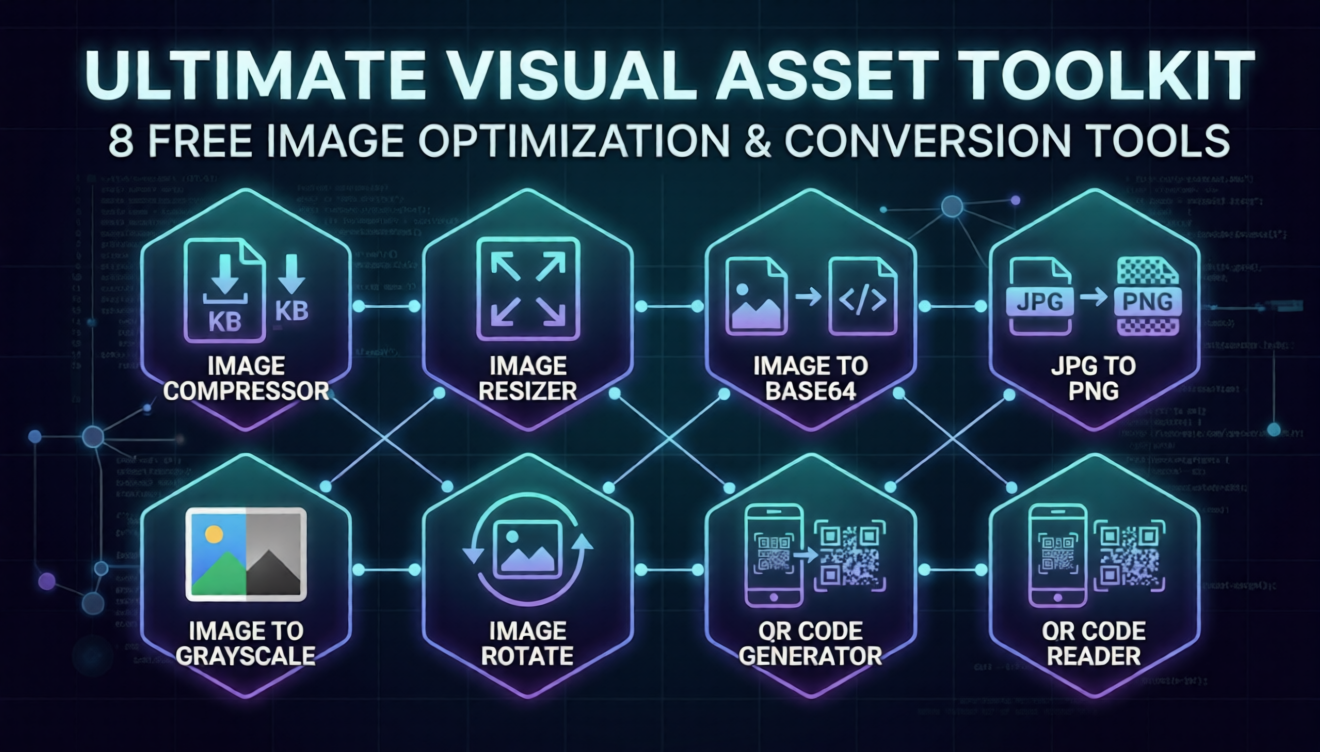
To streamline your workflow, we have compiled a comprehensive toolkit of 8 free, browser-based image tools. These utilities require zero software installation and process your files securely and instantly. Let’s explore the toolkit:
1. Image Compressor
Heavy image files are the enemy of fast websites. Our Image Compressor allows you to significantly reduce the file size of your graphics without sacrificing visual quality. This is a mandatory step before uploading any media to your server, ensuring your site loads lightning-fast and retains high SEO performance.
2. Image Resizer
Uploading a 4K image to display in a 300-pixel thumbnail container is a massive waste of bandwidth. The Image Resizer tool lets you scale your images to the exact pixel dimensions required by your website's CSS. By serving correctly sized images, you drastically improve front-end performance.
3. Image to Base64 Converter
Every time a browser loads an image file, it makes a separate HTTP request to the server. For small icons or critical CSS background images, you can eliminate these requests entirely. The Image to Base64 tool converts your visual assets into a Base64 text string, allowing you to embed the image directly into your HTML or stylesheet for instantaneous rendering.
4. Format Conversion: JPG to PNG
Different use cases require different file formats. While JPGs are great for complex photographs, PNGs are essential when you need crisp text graphics or transparent backgrounds. Our JPG to PNG converter handles this transition seamlessly, ensuring you always have the right format for your specific design needs.
5. Image to Grayscale
Sometimes, you need to strip away color for aesthetic purposes or to further reduce file size. The Image to Grayscale tool instantly converts full-color images into professional black-and-white (grayscale) variants, perfect for modern, minimalist web designs or muted background elements.
6. Image Rotation
A simple but incredibly necessary utility. If you have bulk images exported from a camera with the wrong EXIF orientation data, the Image Rotate tool allows you to instantly fix portrait or landscape orientations directly in your browser.
7. QR Code Ecosystem (Generator & Reader)
Bridging the gap between the physical world and your digital properties is crucial for marketing.
- QR Code Generator: Easily create custom QR codes to direct mobile users to specific landing pages, vCards, or promotional URLs.
- QR Code Reader: Need to extract the URL or data hidden inside an existing QR code? Simply upload it to our reader to instantly decode the information.
Final Thoughts
Optimizing your visual assets shouldn't require expensive desktop software or complicated terminal commands. By integrating these 8 free image utilities into your daily workflow, you can ensure your website remains incredibly fast, visually stunning, and perfectly optimized for both users and search engines.
Bookmark this page and take control of your digital media today!