
08
Master Core Web Vitals: 6 Free Next-Gen Image Converters & OCR Tools
In today's competitive digital landscape, website speed is no longer just a luxury—it is a foundational ranking factor for search engines. Google's Core Web Vitals heavily penalize websites that serve outdated, heavy image formats. If you are still relying exclusively on traditional JPEGs and PNGs, you are likely sacrificing load speed and frustrating your users.
To help you modernize your digital assets, we are introducing a powerful suite of 6 free, browser-based image conversion and OCR utilities. These tools are designed to help you seamlessly transition to next-gen formats like WebP and extract vital data from graphics.
Let's dive into the toolkit:
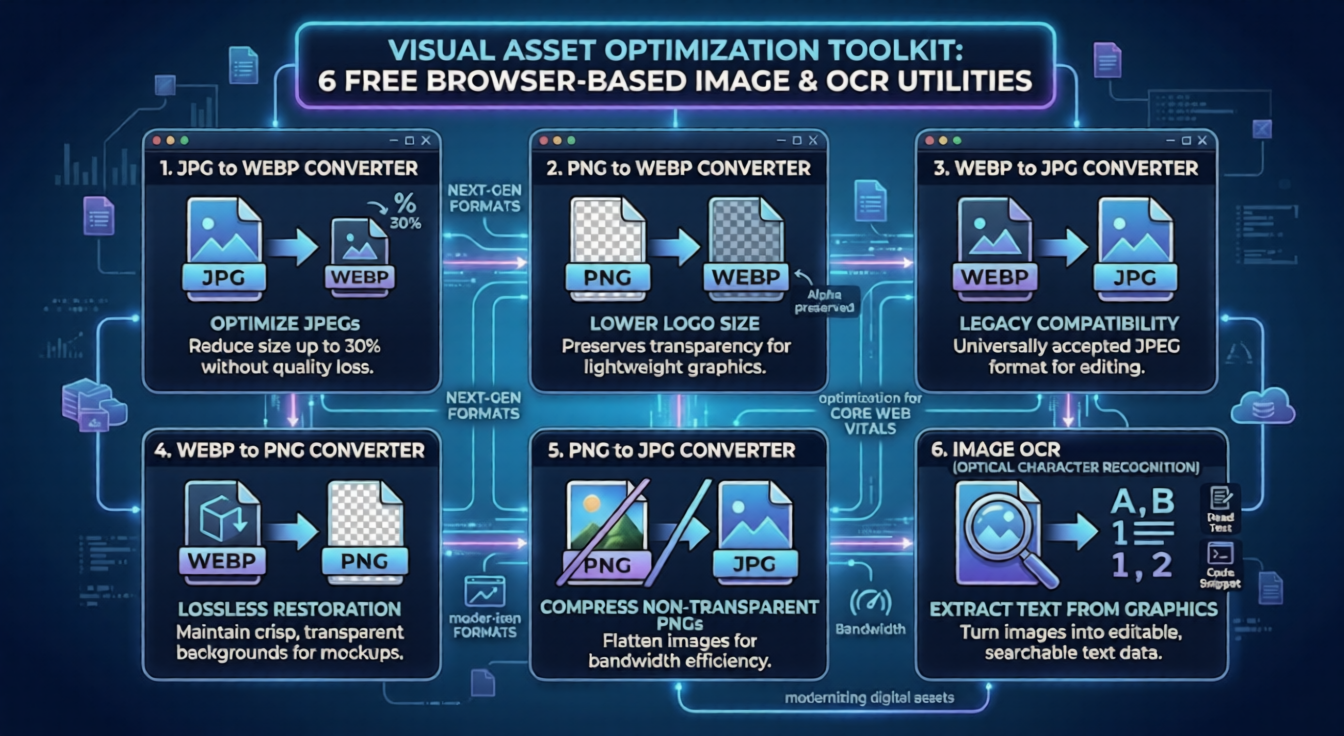
1. JPG to WEBP Converter
WebP is a modern image format developed by Google that provides superior lossless and lossy compression for images on the web. Our JPG To WEBP tool allows you to instantly convert standard JPG photographs into highly optimized WEBP files. This simple conversion can reduce your image payload by up to 30% without any noticeable drop in visual quality.
2. PNG to WEBP Converter
PNGs are notorious for having massive file sizes, especially when dealing with high-resolution graphics that require transparency. The PNG to WEBP converter shrinks these heavy files into lightweight next-gen formats while perfectly preserving the alpha channel (transparency). This is an absolute must for optimizing web logos and transparent UI elements.
3. WEBP to JPG Converter
While WebP is excellent for web performance, it is not always supported by older desktop applications or legacy software. If you have downloaded a WebP image but need to edit it in a traditional photo viewer, our WEBP to JPG tool will instantly convert it back into a universally accepted JPEG format.
4. WEBP to PNG Converter
Similar to the previous tool, sometimes you need the lossless, transparent properties of a standard PNG for graphic design work. The WEBP to PNG utility safely unpacks your WebP files back into high-quality PNGs, ensuring you maintain a crisp, transparent background for your design mockups.
5. PNG to JPG Converter
Not every PNG needs to be a PNG. If you have a graphic saved as a PNG but it doesn't actually utilize transparency (like a standard photograph or screenshot), keeping it as a PNG is a waste of bandwidth. The PNG to JPG converter flattens the image into a highly compressed JPEG, drastically reducing its file size for faster web delivery.
6. Image OCR (Optical Character Recognition)
Have you ever needed to copy a block of code from a tutorial video screenshot or extract text from a scanned document? Retyping it manually is incredibly tedious. Our advanced image OCR tool bridges the gap between pixels and data. Simply upload your image, and this utility will instantly extract the text data, turning a static graphic into selectable, editable, and searchable plain text.
Final Thoughts
Modern web development requires agility and the right utilities. Whether you are actively optimizing your site for Google's PageSpeed Insights by adopting WebP, or you are a researcher needing to extract text via OCR, this toolkit has you covered. Best of all, these tools operate entirely within your browser—meaning zero installations and maximum privacy.
Start optimizing your visual assets today and give your users the lightning-fast experience they deserve!