
07
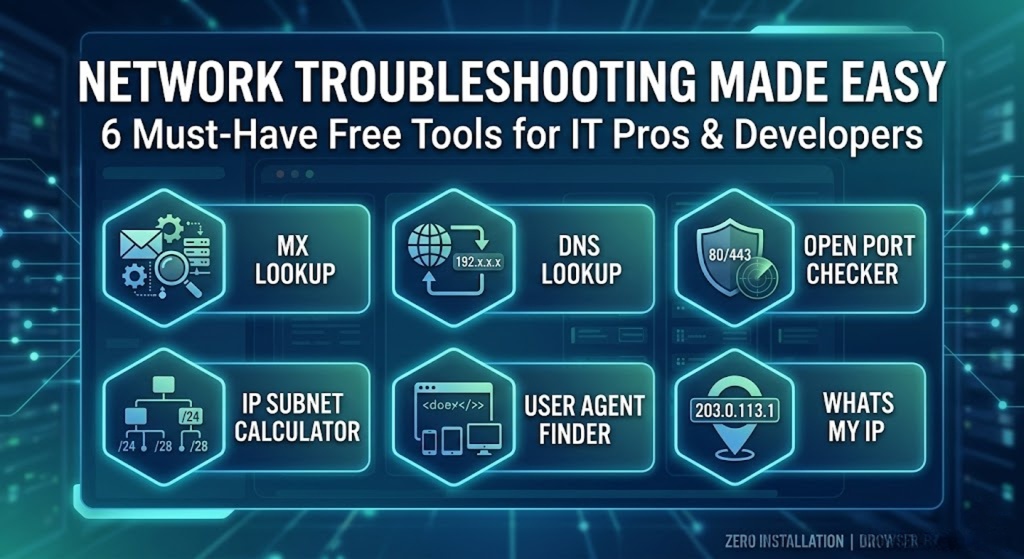
Network Troubleshooting Made Easy: 6 Must-Have Free Tools for IT Pros and Developers
Just last week, one of my clients called in a panic—their email server had suddenly stopped receiving messages. I was out on the road without my laptop, but thankfully, I had my essential networking tools bookmarked on my phone. Within minutes, I was able to diagnose the routing issue directly from my mobile browser.
As IT professionals, system administrators, and web developers, we face sudden server hiccups, network vulnerabilities, and configuration mysteries every single day. Having the right diagnostic utilities at your fingertips isn't just a convenience; it's a necessity.
Today, I want to share 6 incredibly useful, completely free online tools that I rely on daily to keep my networks secure and my web properties running smoothly. Let’s dive into the toolkit:
1. MX Lookup
Are you experiencing email delivery failures or bounced messages? The first step any expert takes is verifying the mail exchange records. Our MX Lookup utility is a dedicated tool to find a domain's MX servers. By running a quick query, you can instantly confirm whether your domain is pointing to the correct email hosting provider, saving you hours of frustrating troubleshooting.
2. DNS Lookup
Waiting for domain propagation after a server migration can be nerve-wracking. You need to know exactly what IP your domain is resolving to worldwide. Our DNS lookup tool is a web-based DNS client that queries DNS records for a given domain name. Whether you need to verify an A record, a CNAME, or TXT records for verification, this tool provides instant clarity on your domain's current routing status.
3. Open Port Checker
In the world of cybersecurity, an unnecessarily open port is an open invitation for malicious actors. It is crucial to verify your firewall rules. The Open Port Checker is a specialized tool you can use to check your external IP address and detect open ports on your connection. Every system admin should use this to audit their server's perimeter and ensure sensitive services are properly locked down.
4. IP Subnet Calculator
Designing a new network infrastructure or segmenting an existing one? Manually calculating subnet masks and broadcast addresses is tedious and prone to human error. That is where the IP Subnet Calculator comes in—functioning as a comprehensive IPv4 and IPv6 subnet calculator. It instantly breaks down your network boundaries, making IP allocation an absolute breeze.
5. User Agent Finder
Sometimes, a user reports a bug that you simply cannot replicate on your end. Often, the culprit is browser or device-specific rendering. To debug this, you need to understand the exact environment. The User Agent Finder is a straightforward utility to find your User Agent. It instantly reveals the exact browser, version, and operating system string, which is invaluable for front-end developers troubleshooting responsive design issues.
6. Whats My IP
It sounds incredibly simple, yet it is one of the most frequently used tools in any IT pro's arsenal. Whether you are configuring a remote desktop connection, setting up IP-based access restrictions, or just verifying that your VPN is actually routing traffic properly, you need to know your public-facing address. The What's My IP utility is the fastest way to find your IP address.
Final Thoughts: An expert is only as fast as their toolkit allows them to be. These six utilities require zero software installation, operate entirely in your browser, and provide precise, actionable data when you need it most.
Bookmark these tools today to streamline your daily network management tasks!