
08
Streamline Your Code: 6 Essential Data Conversion & Formatting Tools for Developers
Streamline Your Code: 6 Essential Data Conversion & Formatting Tools for Developers Whether you are migrating data between legacy APIs, writing documentation for a GitHub repository, or optimizing your front-end code for production, data formatting is a daily reality for developers. Dealing with syntax errors, messy code blocks, or incompatible data structures can drain hours of your productivity.
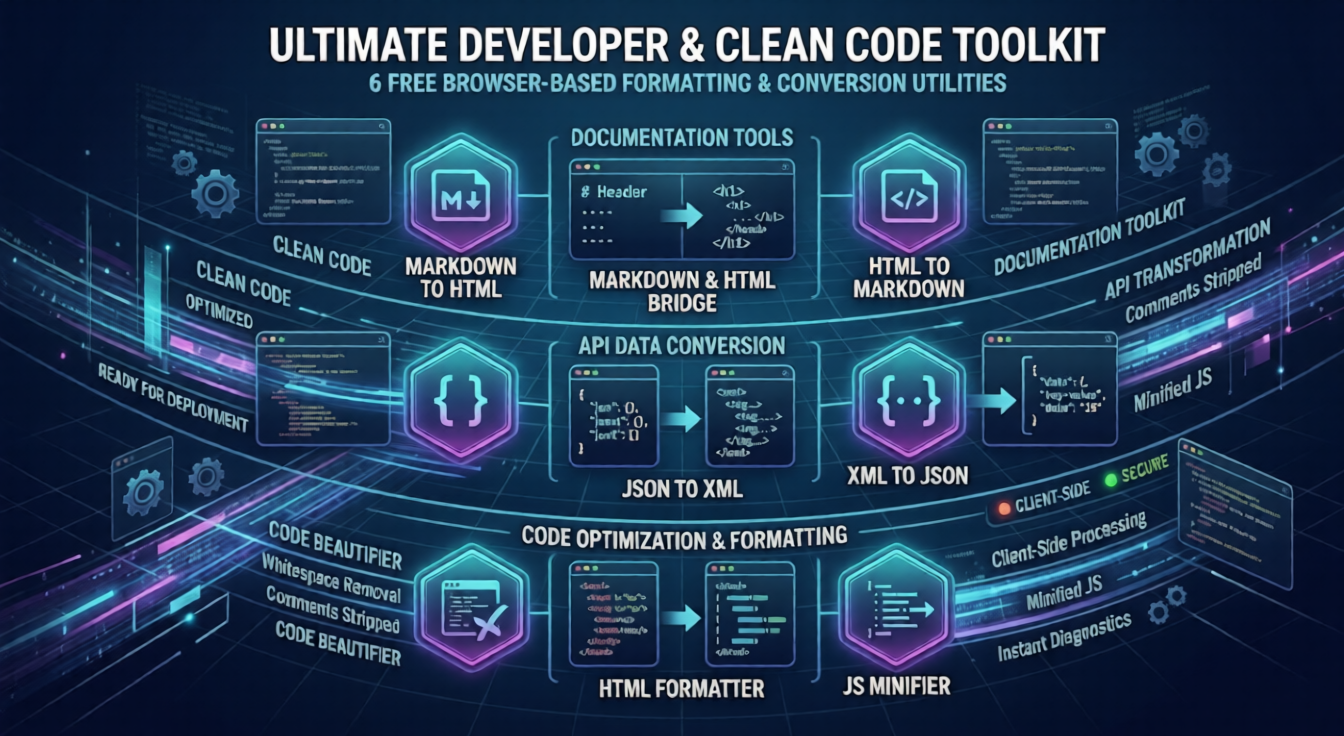
To eliminate these bottlenecks, we have put together a robust suite of 6 free, browser-based formatting and conversion utilities. Designed specifically for web developers and software engineers, these tools ensure your code is clean, optimized, and ready for deployment.
Let’s explore this essential toolkit:
1. The Markdown & HTML Bridge
Writing content directly in HTML can be tedious, while Markdown offers a clean, distraction-free syntax perfectly suited for modern documentation.
- Markdown to HTML: Whether you are generating blog posts or building static sites, this utility instantly converts your lightweight Markdown text into perfectly structured, production-ready HTML code.
- HTML to Markdown: Migrating old web pages into a modern CMS? This tool acts in reverse, seamlessly stripping away bulky HTML tags and converting the content back into clean, easy-to-read Markdown syntax.
2. Seamless API Data Conversion (JSON & XML)
Modern web applications almost exclusively communicate via JSON, but enterprise systems, SOAP APIs, and legacy databases still heavily rely on XML.
- JSON to XML: When you need to push modern application data into a strict, legacy enterprise system, this tool instantly translates your lightweight JSON objects into properly nested XML formats.
- XML to JSON: Working with an outdated API response? Paste the bulky XML data into this converter to instantly transform it into a clean, easily parsable JSON object that your modern JavaScript frontend can actually understand.
3. Code Optimization & Debugging
Writing code and deploying code require two completely different states of formatting. One requires maximum readability, while the other demands maximum speed.
- HTML Formatter: Inherited a messy, unindented, single-line HTML file from a colleague? Our HTML Formatter instantly beautifies the code, adding proper indentation and line breaks so you can easily read, debug, and edit the DOM structure.
- JS Minifier: Before pushing your project live, optimizing your JavaScript is mandatory for Core Web Vitals. This utility strips out all unnecessary whitespace, comments, and line breaks from your JS code. The result? A drastically reduced file size that loads lightning-fast for your users.
Final Thoughts
You don't need to open bulky IDEs or write custom terminal scripts just to format a string of data. These 6 developer utilities are secure, incredibly fast, and operate entirely on the client side (in your browser)—meaning your sensitive code and data are never stored on our servers.
Bookmark this toolkit today to write cleaner code, convert data seamlessly, and deploy faster!